Learning ·
How to Choose a Short Math Practice Mode
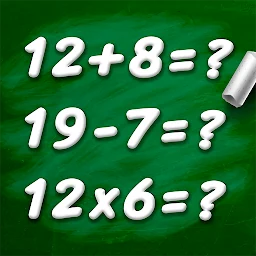
How to use Math Game — Learning Math App for short practice: pick one operation, set an appropriate level and review mistakes without rushing.
Choose one goal
Do not mix every topic into one short session. Decide whether the focus is addition, subtraction, multiplication, division, decimals or square roots.
Begin without racing
The official listing mentions timed challenges, but understanding the solution comes first. Add a timer only after the answers feel stable.
Adjust the level
When several mistakes appear in a row, return to simpler examples. When every answer is automatic, move to a new operation or larger numbers.
Review one mistake
After an incorrect answer, identify the exact step where a sign or number changed. That review is more useful than repeated guessing.
Keep the session short
Five to ten minutes on one topic is easier to repeat than a long session. The app is presented for children and adults, so choose difficulty by current skill rather than age alone.
Featured in this story
Math Game - Learning Math App
Learning · 10K+
Google Play ↗