Eye Color Photo Edit: Align Contact-Lens Stickers Precisely
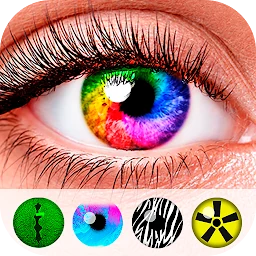
A practical Eye Color Changer workflow: choose a clear portrait, align one lens, match the scale on the second eye and review the result without extra effects.
Prepare a clear portrait
Choose a front-facing photo in even light with both eyes open and unobstructed by hair. This makes overlay shape and size easier to compare.
Align one eye first
The current Google Play listing describes more than 100 contact-lens, eyelash and eyebrow stickers. Pick one lens, zoom into the eye and match it to the iris before working on the second eye.
Match scale and rotation
The app listing describes controls to zoom, rotate and adjust stickers. Begin the second eye with the same scale and angle, then correct for any small difference in perspective.
Compare one style at a time
The listing names fashion, pink, cat-eye, patterned, flag, animal and playful lens styles. Save one restrained version and one decorative version instead of stacking several effects at once.
Review the full portrait
Zoom back out after precise placement. Check that both overlays look consistent and do not cover the eyelids; add text only after this review.
Games and apps in this article
Eye Color Changer
Beauty & style · 100K+
Google Play ↗