Photo Makeup Order: Layer Effects Without Losing the Portrait
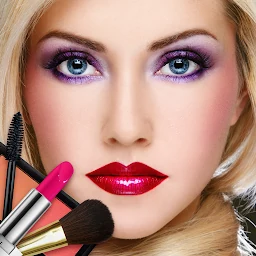
A practical Beauty Make Up Photo Editor workflow: begin with a clear portrait, then add face makeup, eyes, lips, hairstyle and a final scale check.
Start with a straight portrait
Choose a front-facing photo with the face visible and evenly lit. A strong head angle, hair across the eyes or a hard shadow makes decorative elements harder to align.
Build from broad changes to small details
The current Google Play listing describes foundation, blush, contour, eyelashes, lipstick shades, hairstyles, stickers and filters. Check the overall face treatment first, then work on eyes and lips so the portrait stays readable.
Change one element at a time
Keep the source photo nearby and compare a single change, such as an eyelash style or lipstick shade. This makes it easier to see which edit improves the composition.
Inspect edges and scale
Zoom in around the eyes, lips and hairline, then return to the full portrait. Overlays should match the angle and avoid covering important facial details.
Keep the original photo
Store the source image separately from the edited version. You can then repeat the experiment with another effect order without losing the original.
Featured in this story
Beauty Make Up Photo Editor
Beauty & style · 1M+
Google Play ↗